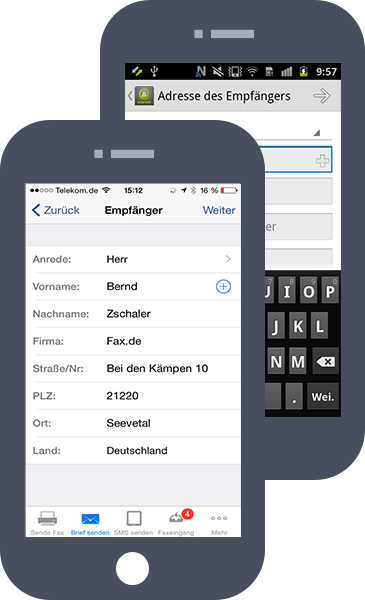
Kundencenter Mobile App
Das Kundencenter von Fax.de macht aus Ihrem Handy oder Tablet ein Kommunikationszentrum für Faxversand und -empfang sowie SMS- und Postbriefversand.
Volle Beschreibung (iOS)Volle Beschreibung (Android)


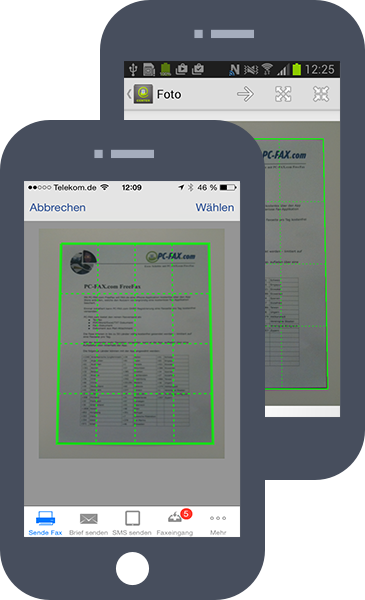
Dokument fotografieren und versenden - einfacher geht es nicht
Um ein Dokument zu faxen nutzen Sie die Kamera in ihrem Smartphone. Danach mit schneiden Sie den zu faxenden Bereich aus und wählen die Faxnummer. Simpel und einfach.
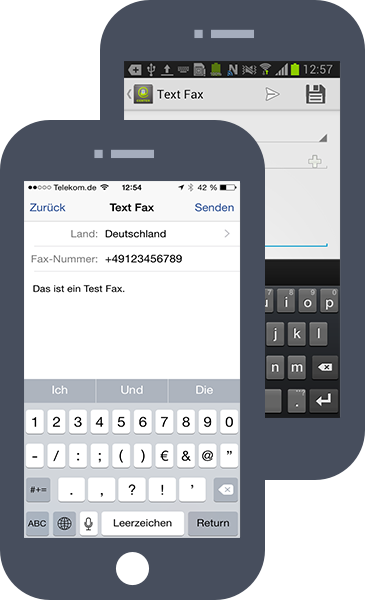
Aufmerksamkeit erreichen - mit einem Textfax
Mit der Textfax Funktion senden Sie sehr einfach ein Textfax, das beim Empfänger gut ankommt - denn: Ein Fax erhält viel mehr Aufmerksamkeit als jede SMS oder eMail!
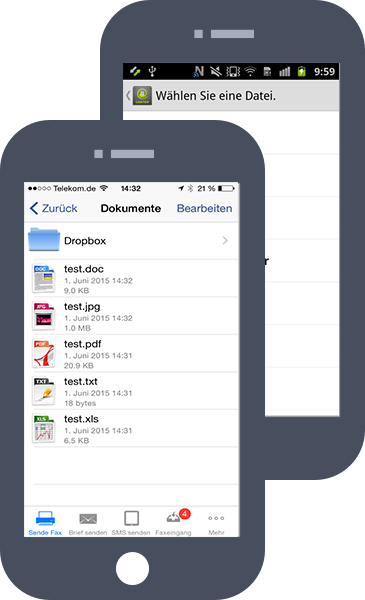
Ihre Fax-App spricht mit Ihrer Cloud...
Kein Problem, wenn Sie Ihr Dokument in einem Cloud-Speicher wie Dropbox oder Google-Drive gespeichert haben. Binden Sie den Cloud-Speicher einfach in die App ein und schon haben Sie direkten Zugriff, um ein Dokument zu faxen. Egal ob als Word-, Excel- oder PDF-Dokument.
Über iTunes oder dem direkten App-Server können Sie Dokumente auch direkt auf Ihr Gerät laden.
Ihre neue Faxnummer aus ihrem Wohnort...
kann auch Tag und Nacht Faxe empfangen und zeigt diese direkt in Ihrer FaxApp an. Ein schöner Service für Ihre Kunden. Faxempfang ist nur mit dem Tarif Fine oder Light möglich.
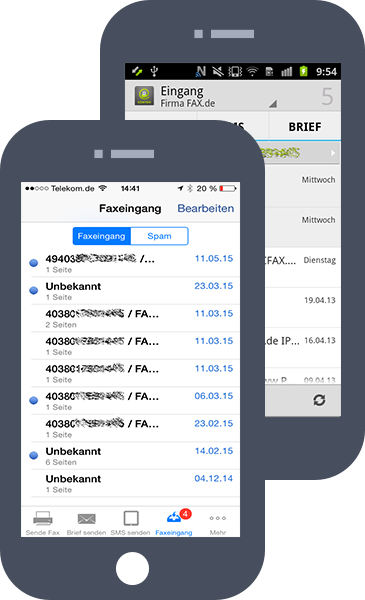
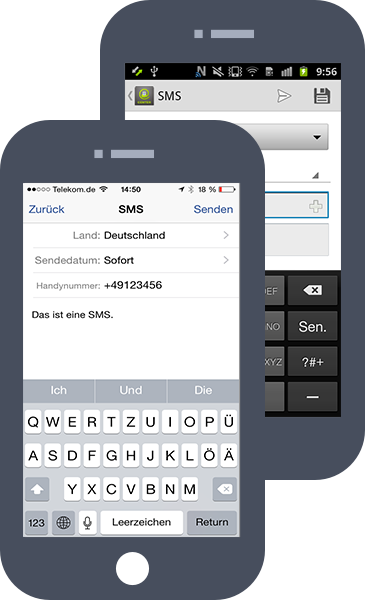
Die Fax App kann auch SMS
Natürlich kann Ihr Smartphone SMS versenden. Aber die FaxApp macht dies oft viel preiswerter und schneller. Die SMS wird immer über die beste und schnellste Route zum Empfänger ausgeliefert.
Richtige Postbriefe versenden
Mit dieser Funktion können Sie direkt von Ihrem Mobilgerät richtige Postbriefe versenden. Diese werden in unserem Druckzentrum ausgedruckt, gefalzt, eingetütet, frankiert und per Post dem Empfänger zugestellt.